
Introduction
A blurry laptop microphone. A desk phone handset pinned between shoulder and ear. A speakerphone that turns every call into a guessing game. Many businesses struggle with exactly this kind of unclear audio, and it costs more than comfort. It costs credibility on customer calls.
The right VoIP headset depends on your calling environment, your softphone or desk phone, how long you wear it each day, and whether you need wired reliability or wireless freedom.
This guide breaks down the best VoIP headsets for US contact centers, corporate offices, remote workers, and virtual meetings, plus a buyer's checklist for compatibility before you order.
Key Takeaways
- VoIP headsets connect to a desk phone, computer softphone, mobile device, or UC platform, not the internet connection itself
- Choose wired USB or RJ9 to skip battery management; pick Bluetooth or DECT when you need mobility
- Prioritize microphone noise cancellation, comfort, and call controls over brand for high-volume calling
- Weigh warranty length, returns, and total cost of ownership on bulk buys—not unit price alone
- TruVoice Telecom helps US businesses match headsets to their calling environment and budget
Overview of VoIP Headsets in the US Business Market
A VoIP headset is an audio accessory with a microphone and speakers that plugs into (or pairs with) a VoIP desk phone, computer, smartphone, or collaboration app. The headset itself doesn't handle the VoIP call routing — that's the job of the connected phone system or softphone.
Three connection types dominate US workplaces:
- USB (USB-A or USB-C): For computers and softphones. Many models ship USB-C with a USB-A adapter, and call controls (mute, volume, answer/end) are usually built in.
- RJ9, QD, and proprietary desk-phone connectors: Connect headsets directly to VoIP desk phones. Match the cable or amplifier to your phone model; RJ9 wiring is not universal.
- Bluetooth and DECT: Wireless options for calling on the move. Bluetooth suits PC/mobile multipoint pairing; DECT offers longer range and better density for office-wide use.
Choosing the right connection type directly affects business outcomes: clearer conversations, hands-free note-taking, less desk dependence, and more consistent call quality across a remote or hybrid team. According to the FCC, VoIP service depends on an active broadband connection and can run through a computer, an adapter, or a dedicated VoIP phone — which is why headset compatibility varies so much by setup.
Next, the leading options break down by use case.
Best VoIP Headsets for Business
No single headset wins every category. The picks below span value-focused business kits, contact-center floors, all-day office wear, remote work, and virtual meetings. Confirm current pricing, availability, and compatibility before any bulk order.
TruVoice Telecom Business Headset Range
TruVoice Telecom is a Tampa, Florida-based manufacturer and reseller focused on work headsets for contact centers, offices, remote workers, and dispatch teams.
The company brings over 30 years of telecom experience, straightforward product guidance, and US-based technical support at prices below most big-brand lists.
Models worth a look:
- Agent AW50: single-ear DECT with ultra-noise-canceling mic, HD wideband speakers, acoustic-shock protection, up to 500 feet of range, and 9 hours of talk time
- Agent AW70: 3-in-1 base for desk phone, computer, and cell, built for UC platforms
- BT75: Bluetooth with 22 hours of talk time, 50-foot range, and Qualcomm cVc echo canceling that cuts up to 90% of ambient noise
- HD-150 / HD-500: wired Quick Disconnect models for desk phones, including Yealink-compatible cabling
Every unit includes lifetime product support, 30-day no-questions-asked returns on website orders, and bulk pricing. That mix suits teams that want selection help and ongoing support, not a one-off consumer buy.
Jabra Evolve2 55
When hybrid staff need one headset that travels between laptop and phone, the Evolve2 55 is a strong branded option. It uses Bluetooth 5.2 with Multipoint for two live connections, and it ships in USB-A or USB-C variants.
Core specs:
- Two premium mics with a speech-separating noise-cancelling algorithm
- Active Noise Cancellation for the wearer, plus transmit-side noise reduction
- Up to 16 hours of talk time with ANC off, or 10 hours with ANC on
- On-ear headband with a boom that mutes when raised
It fits corporate offices standardizing on Microsoft Teams-certified hardware and remote employees who jump between calls and meetings all day. Plan on the Link 380/390 adapter for the full UC feature set. Desk-phone connection is not native; this model is built for computer- and mobile-first workflows.
Poly Voyager Focus 2
Poly's Voyager Focus 2 prioritizes long-haul comfort and fleet management. It pairs with a PC or Mac over Bluetooth or the BT700 USB adapter, and with phones on Bluetooth 5.1.
What stands out:
- Acoustic Fence with four microphones to isolate the wearer's voice
- Three ANC levels (high, low, off) on the listening side
- Up to 25 hours of talk time
- Certification for Microsoft Teams, Zoom, Google Meet, and Google Voice
- Poly Lens software so IT can manage one headset or thousands
Mobile professionals and remote teams that live on calls benefit most, especially when IT wants centralized device visibility. Desk-phone use needs the separate Voyager Office base and telephone interface cable, an extra cost many Bluetooth-first buyers do not expect.
Yealink Business Headset
Offices already on Yealink desk phones usually shortlist the WH62 DECT next. Its base ties a PC and an IP phone at once, so agents can move between softphone and desk-phone calls without re-pairing.
Specs that matter on the floor:
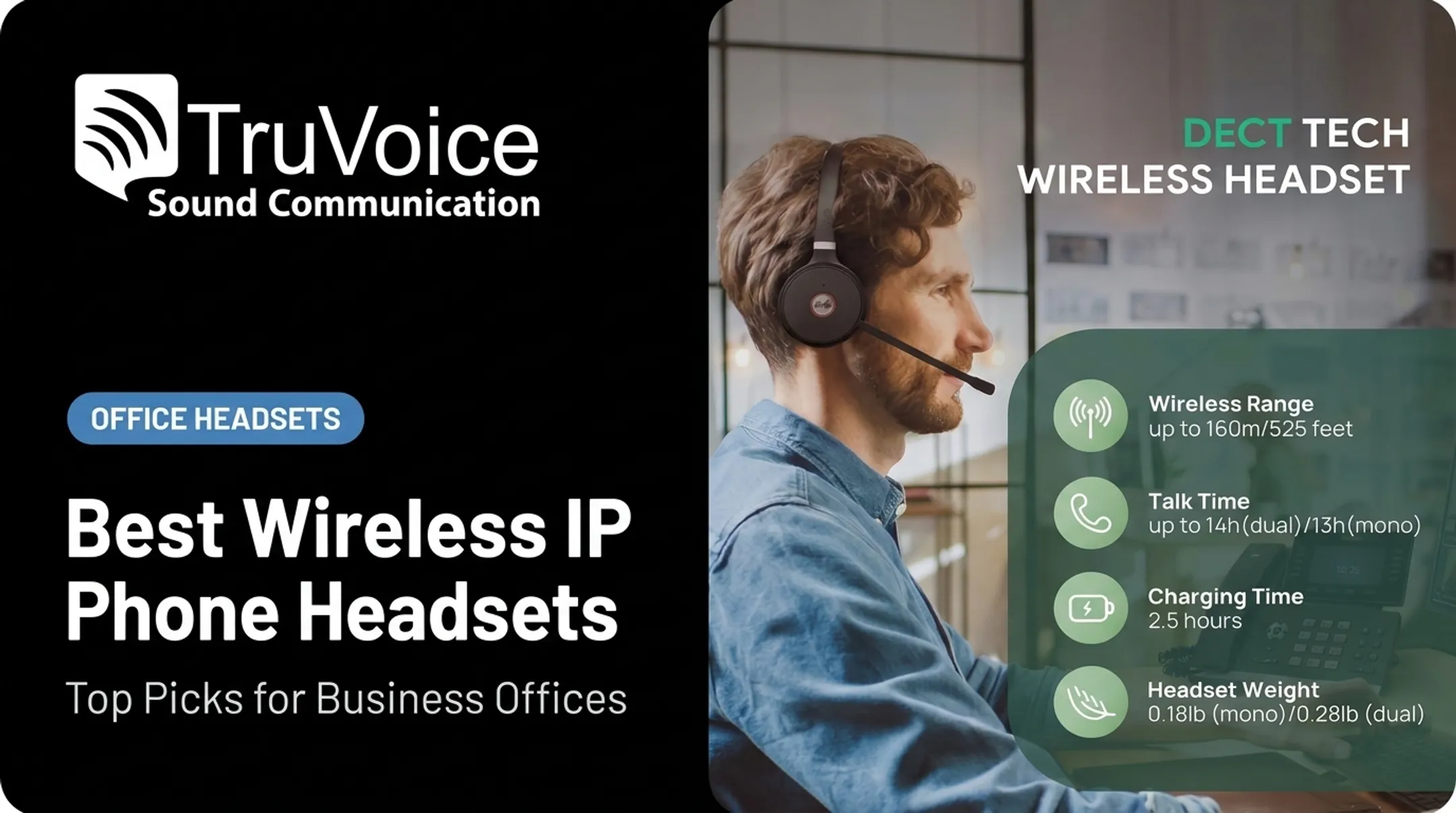
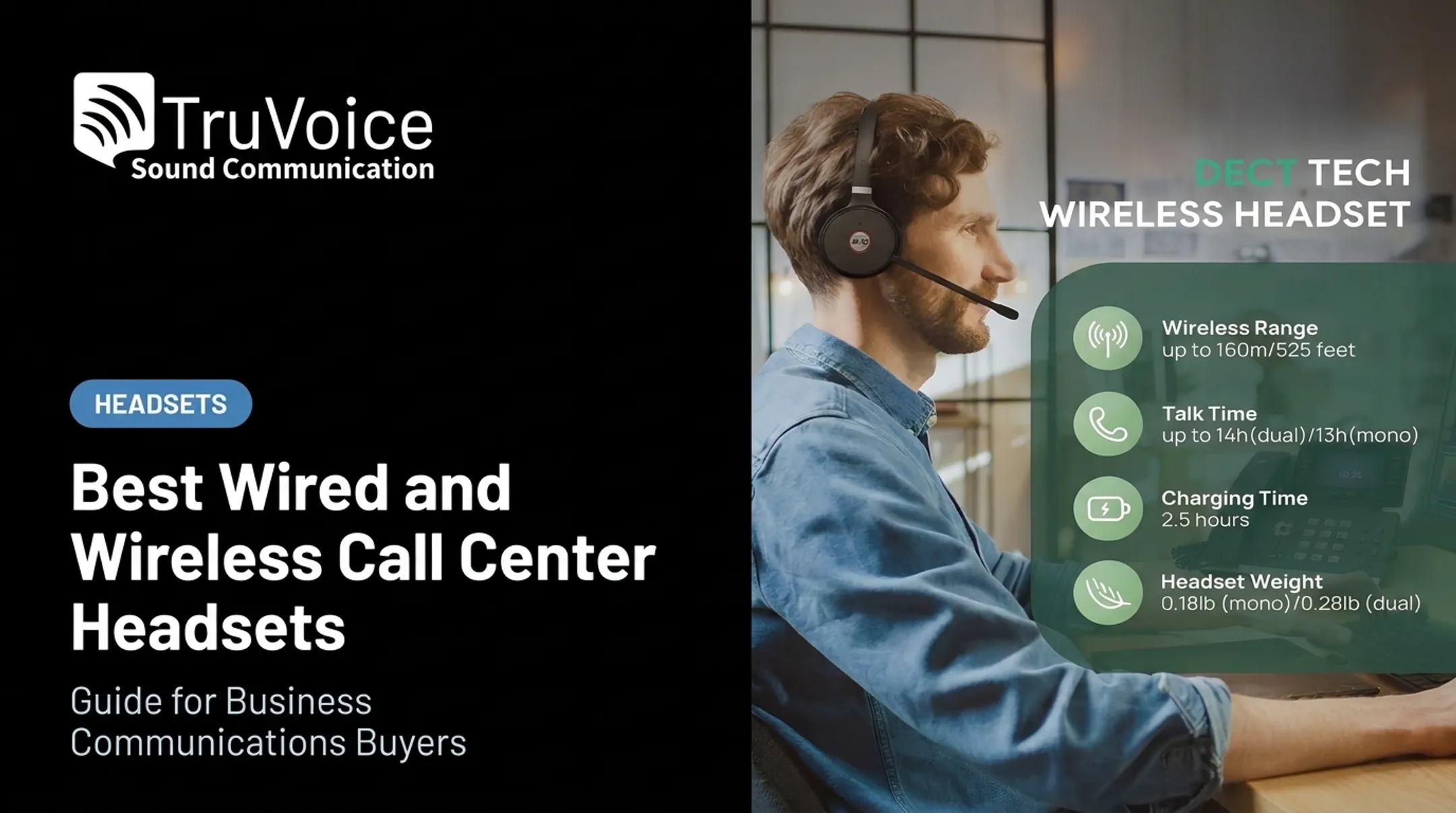
- Up to 525 feet of DECT range
- 13 hours of talk time in mono mode, 14 hours in dual mode
- Dual mics with Yealink Acoustic Shield to filter background noise
- Support for 100+ platforms, with Teams-certified and UC variants
It is the clean choice when you are standardizing Yealink phones or DECT wireless across a full floor. Third-party desks (Cisco, Avaya, Poly, Mitel, Unify, Grandstream, Fanvil) need the matching EHS60 or EHS61 accessory for remote answer/end, so check your phone model on Yealink's compatibility list before you order.
Logitech USB Business Headset
For simpler remote and small-office setups, Logitech's Zone Wired stays plug-and-play. USB-C plus an included USB-A adapter covers both newer and older business PCs.
You get:
- Dual-mic noise cancellation that cuts keyboard clicks and voices from about two feet away
- Inline controls for volume, mute, answer/end, and media playback
- A 270-degree rotating boom for left- or right-ear wear
- Certification for Microsoft Teams, Zoom, Google Meet and Voice, Skype for Business, and Tencent Meeting
Home-based agents, hybrid employees, and occasional callers get reliable audio with almost no setup. It is wired-only, has no desk-phone connector, uses a fixed cable length, and skips the management tools and wireless roaming high-volume contact centers usually need.

How We Chose the Best VoIP Headsets
These picks come from verified manufacturer documentation, current product availability, and how each headset performs against real business use cases — not just marketing copy.
Connectivity and Compatibility
Confirm the headset works with your desk phone, softphone, operating system, and UC platform. Some setups need extra hardware: USB dongles, EHS cables, DECT bases, or an amplifier for older analog phones. Skipping this check is the single most common reason bulk orders get returned.
Call Quality and Microphone Performance
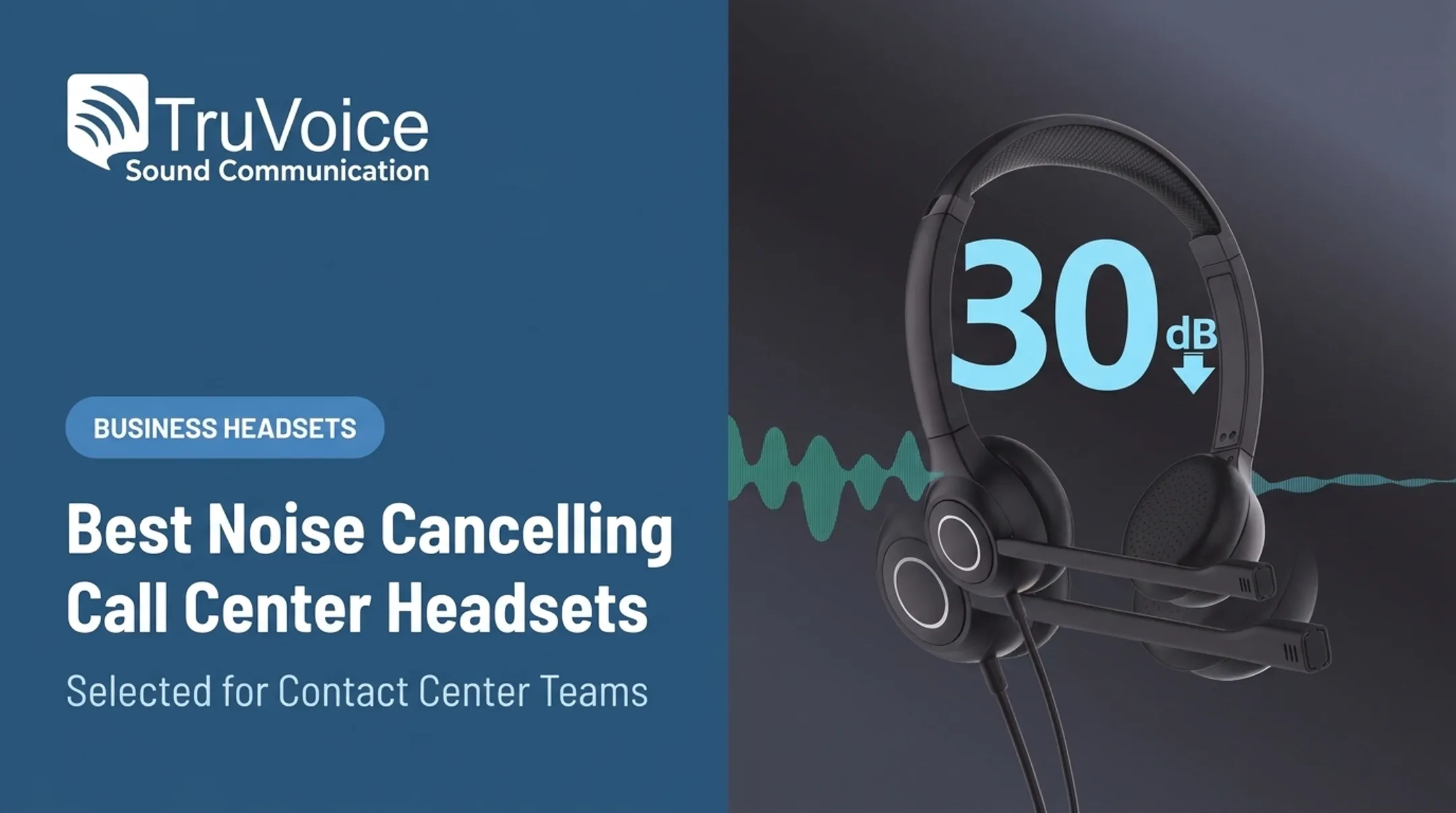
Microphone noise cancellation and active noise cancellation (ANC) solve different problems. HP Poly explains that transmit-side noise cancellation isolates the wearer's voice for the person on the other end of the call, while ANC uses inverted sound waves to quiet what the wearer hears. A headset can have one, both, or neither — don't assume a "noise-cancelling mic" means the wearer gets quiet surroundings too.
Comfort and Physical Design
Long shifts demand the right fit:
- Mono vs. binaural — mono lets agents hear the room; binaural blocks it out for focus
- Ear-cushion material — leatherette wipes clean fast; foam breathes better over eight-hour shifts
- Weight and boom position — lighter builds (under 100 grams) reduce fatigue on all-day calls
Wireless Performance and Reliability
DECT and Bluetooth each have strengths. Jabra's DECT density research notes that wireless capacity depends on codec choice, range settings, and how many headsets share the same floor — not a fixed number. For always-on desks or emergency communications, a wired headset removes battery risk entirely.
Business Value and Deployment Support
For bulk orders, compare more than sticker price:
- Warranty length (options range from 180 days to lifetime, depending on model)
- Replacement parts and accessory availability
- Trainer/trainee configurations for onboarding
- Bulk discounts, shipping timelines, and return windows (including 30-day website returns where offered)
Don't standardize an entire floor on headline specs alone. Test a sample unit on your actual phone system first, and favor suppliers that include clear return terms and ongoing product support.

Conclusion
There's no universal "best" VoIP headset. The right one matches your device, calling environment, work pattern, and comfort needs. A contact center running eight-hour shifts has different priorities than a hybrid employee joining three video calls a day.
Test compatibility and microphone performance before rolling out headsets across an entire team. If you're outfitting a contact center, corporate office, remote workforce, or dispatch operation, TruVoice Telecom offers impartial guidance, bulk purchasing support, and US-based technical support with lifetime product support. Reach out at +1-888-448-5556 before you commit to a full order.
Frequently Asked Questions
What is the best VoIP headset for calls?
Match the headset to your device, call volume, background noise, and wired or wireless needs. The use-case recommendations above cover offices, contact centers, remote work, and virtual meetings separately.
What is the best wireless headset for a VoIP phone?
Bluetooth suits computer and mobile pairing with multipoint support, while DECT typically offers longer range and better density for office floors. Verify your desk phone's compatibility, required adapters, and battery life before buying.
What is the best USB headset for making calls?
Look for a clear noise-reducing microphone, comfortable fit, reliable inline controls, and confirmed compatibility with your computer and softphone. Models like the Logitech Zone Wired and TruVoice USB options fit this use case well.
What is the best headset for virtual meetings?
Prioritize microphone clarity, comfort for long meetings, and background-noise control, along with compatibility with your video platform. Wired USB suits a fixed desk setup; wireless suits anyone moving between rooms.
What equipment do I need for a VoIP phone?
You'll need a VoIP desk phone or softphone, a stable internet connection, a compatible headset, and power (an outlet or Power over Ethernet). Some setups also require a specific cable, adapter, or amplifier.
Can VoIP phones be wireless?
Yes. DECT headsets, Wi-Fi handsets, or Bluetooth accessories can pair to a desk phone or computer. Compatibility and network requirements vary by phone system, so confirm before ordering.