
Introduction
A hybrid meeting isn't just a video call with extra chairs in the room. It needs the right stack working together:
- Cameras that frame everyone correctly
- Microphones that pick up every voice
- Speakers that don't create echo
- Displays sized for the space
- Software tied to a stable network connection
Get this wrong, and the impact shows up fast. In Owl Labs' 2025 survey of 2,000 US workers, 77% reported losing time to technical difficulties in hybrid meetings, with an average of more than six minutes lost just getting started. That's real productivity draining away before anyone says a word about the agenda.
This guide compares leading hybrid video conferencing systems available to US businesses, then walks through how to choose based on room size, platform compatibility, audio coverage, deployment complexity, support, and total cost of ownership.
Key Takeaways
- A hybrid system combines room hardware, participant devices, conferencing software, and network connectivity into one coordinated experience.
- Room dimensions, seating layout, acoustics, and platform preference matter more than brand recognition.
- Cameras, microphones, speakers, displays, and controllers should be evaluated together, never in isolation.
- Compatibility, manageability, and lifecycle support carry as much weight as camera resolution or feature lists.
Overview of Hybrid Video Conferencing Systems in the US Market
Virtual meetings and hybrid meetings solve different problems. A virtual meeting connects individuals who each join from their own laptop or phone. A hybrid meeting layers a physical conference room, with its own cameras, microphones, and displays, on top of that remote connection. The room hardware has to work for the people sitting in it and for everyone dialing in.
System categories
Most hybrid setups fall into two buckets:
- Software-led or desktop systems — a webcam, USB speakerphone, and laptop running Teams, Zoom, or Meet. Common for personal offices, huddle spaces, or BYOD workflows.
- Dedicated or integrated room systems — purpose-built appliances with mounted cameras, ceiling or table microphones, and a room controller, installed in medium to large conference rooms.
Core equipment checklist
Regardless of category, most hybrid rooms need:
- A camera (fixed, PTZ, or panoramic)
- A microphone system (built-in array, tabletop, or ceiling mics)
- Speakers or a headset
- A display or dual displays
- A computer, mini PC, or dedicated room appliance
- Conferencing software (Teams, Zoom, Google Meet)
- A reliable network connection
- Optional room controllers, expansion mics, or touch panels
Platform compatibility isn't automatic
Microsoft, Zoom, and Google all run certification programs, but certification scope varies. Microsoft's own documentation states that Teams Rooms certification evaluates hardware design and performance but doesn't cover feature-level or cloud-environment support. A device labeled "Teams certified" may still behave differently depending on firmware, licensing, or how it's deployed.
Verify current compatibility before buying — don't assume every camera or speakerphone works with every platform. Match the room size and platform first, then compare systems on audio coverage, camera framing, and total install cost.

Best Hybrid Video Conferencing Systems and Equipment
The shortlist below covers different US business needs, evaluated against audio and video performance, room coverage, platform compatibility, deployment ease, manageability, support, and value. None of these picks is universal. A personal USB webcam might outperform a $3,000 room system if your "conference room" is actually a two-person office.
TruVoice Telecom
TruVoice Telecom is a value-focused US telecom equipment manufacturer and reseller with more than 30 years of telecom experience. The company carries video conferencing equipment, speakerphones, and headset solutions built for offices, contact centers, and remote or hybrid teams, not only headsets.
Its conferencing catalog spans a wide range:
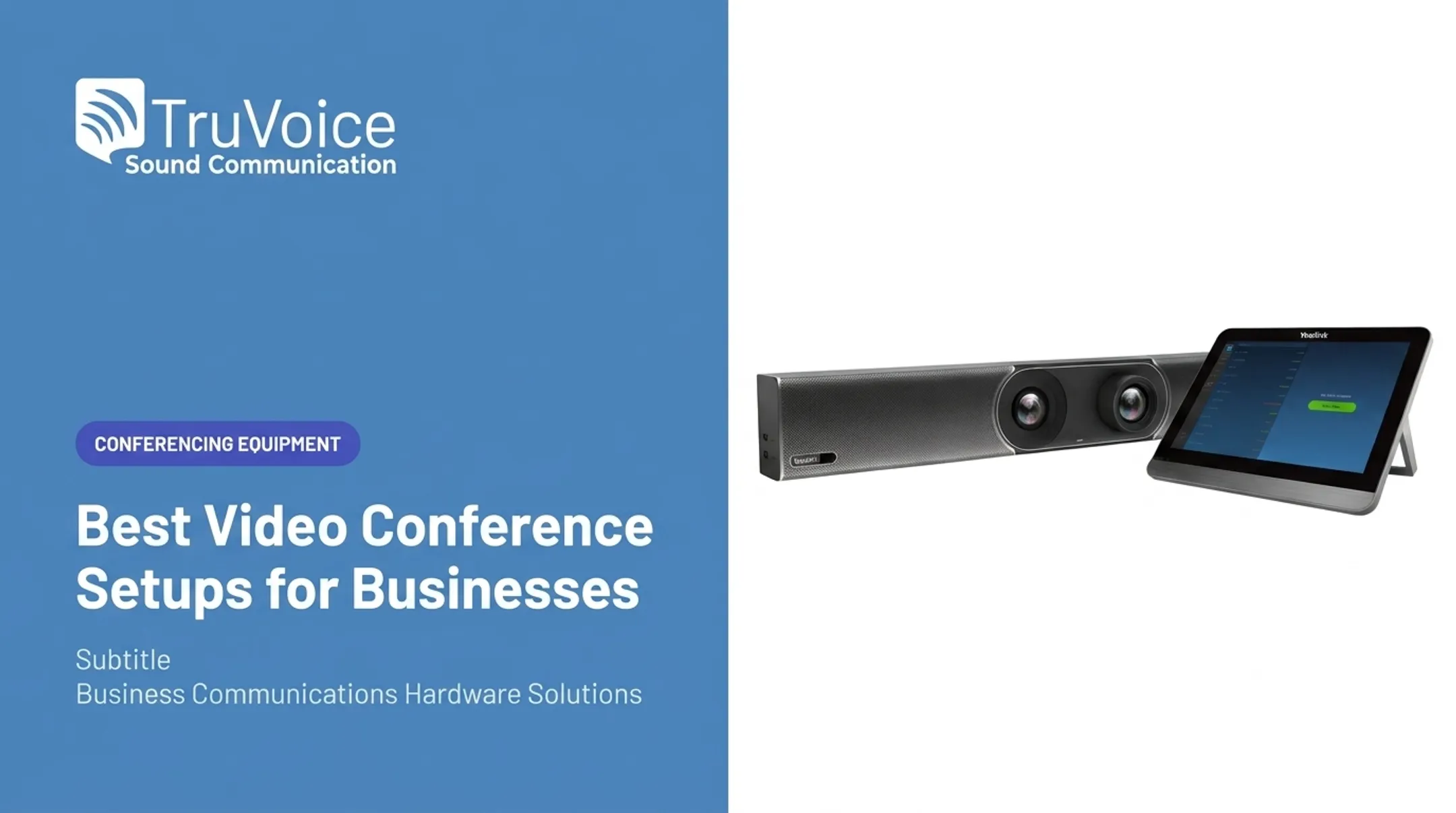
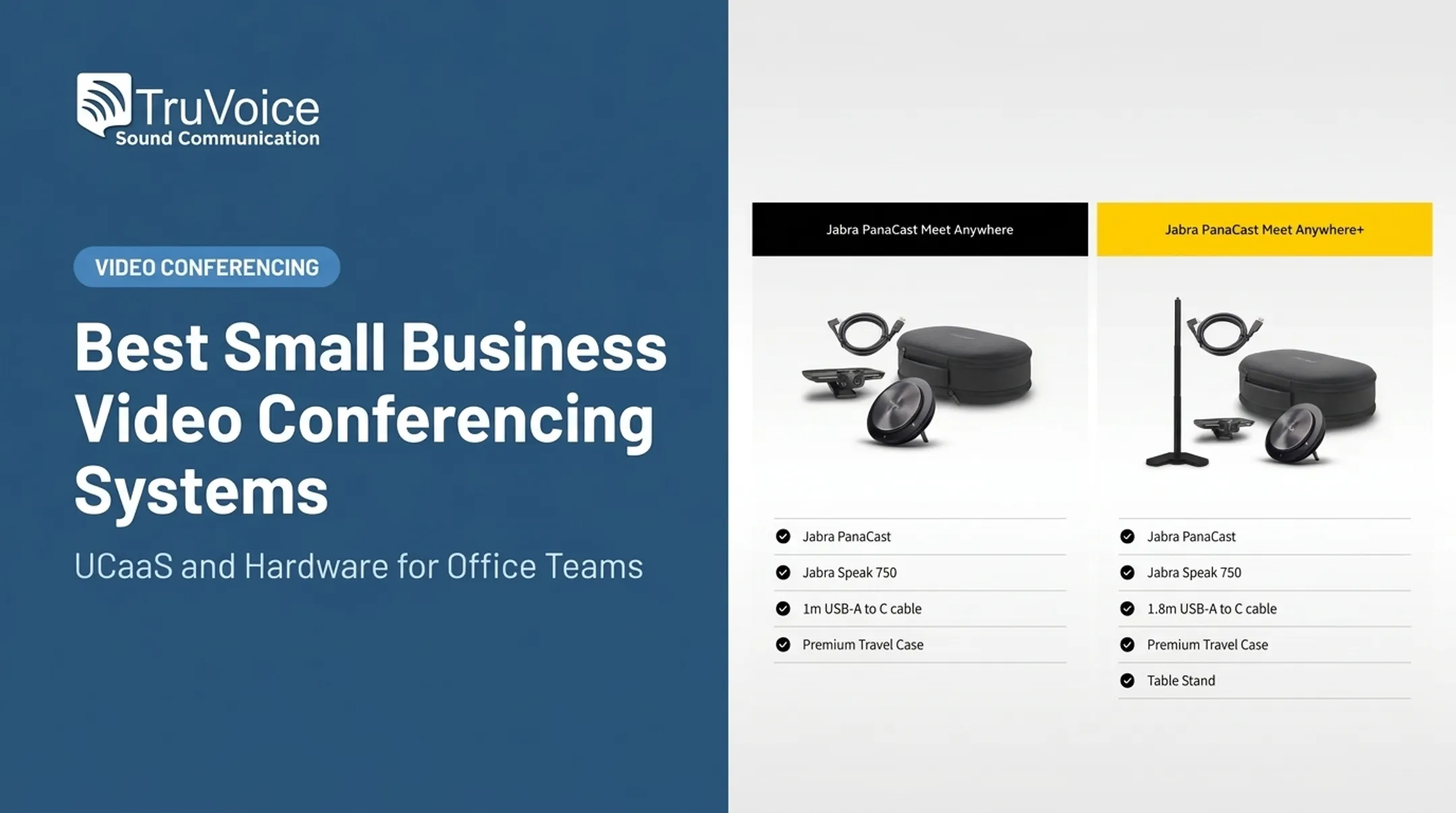
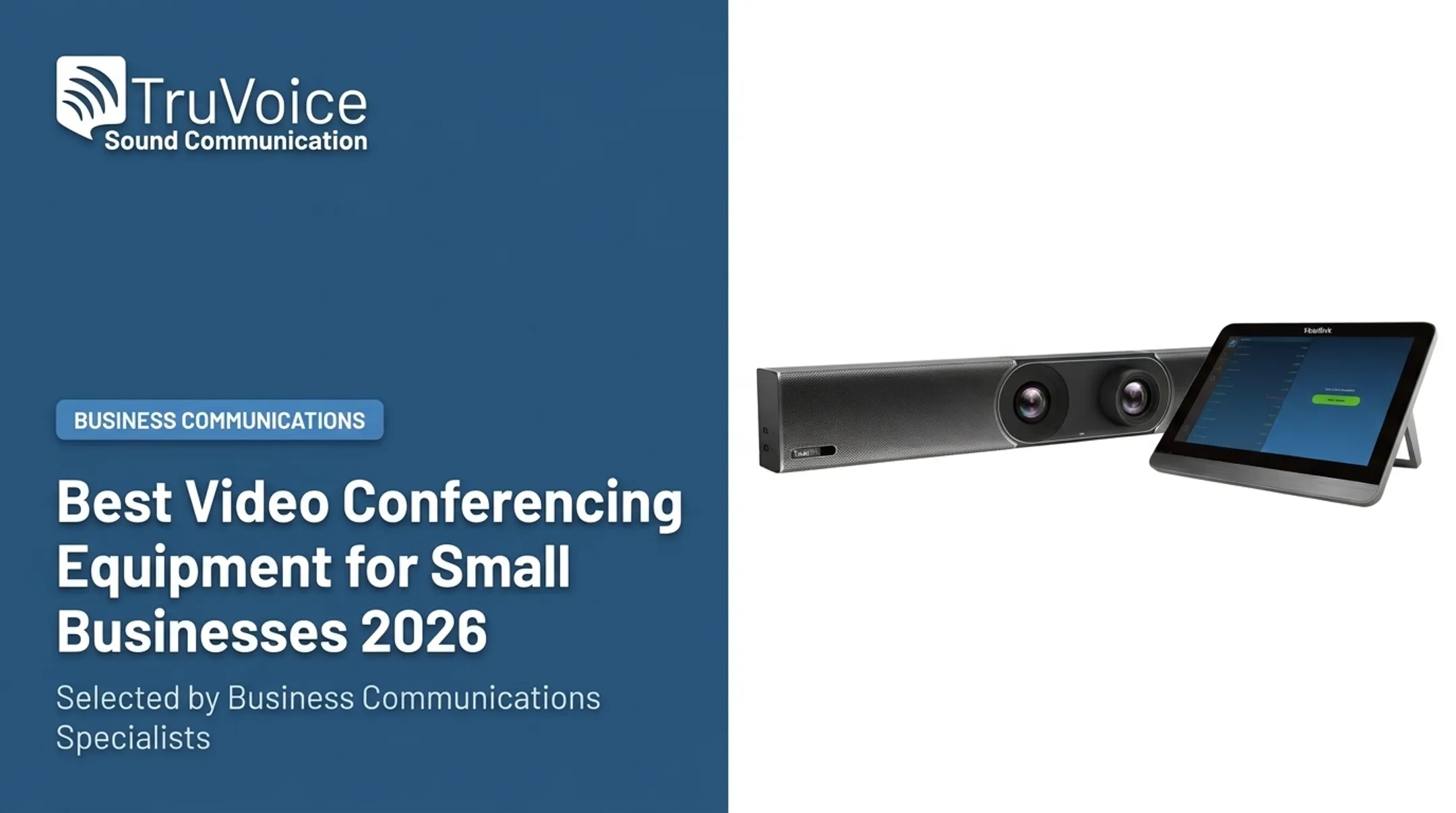
- Video bars and cameras — Jabra PanaCast, Jabra PanaCast 40 and 50 MS Teams video bar systems, Yealink UVC40, Yealink MeetingBar A30
- Speakerphones — Jabra Speak, Yealink SP series, Boom Gemini
- Collaboration kits — Polycom RealPresence Trio 8800, EPOS EXPAND 80 and EXPAND Vision 3
- All-in-one units — Boom Aura, Boom Uno
What sets it apart from buying direct off a manufacturer's site:
- Impartial product guidance instead of a single-brand push
- US-based technical support at +1-888-448-5556
- Lifetime product support on the full range
- Better rates on bulk purchases
- $14.95 flat-rate shipping to contiguous US states, free on large bulk orders
- 30-day, no-questions-asked returns on website orders
| Category | Compatible platforms | Support & returns | Best-fit customer |
|---|---|---|---|
| Video bars (Jabra PanaCast, Yealink UVC40) | Teams, Zoom, Google Meet vary by model | Lifetime support, 30-day returns | Small to medium rooms |
| Speakerphones (Jabra Speak, Yealink SP, Boom Gemini) | USB/Bluetooth, most UC platforms | Lifetime support, bulk pricing | Huddle rooms, personal desks |
| Collaboration kits (Polycom Trio 8800) | Hybrid registration across up to 3 platforms | Lifetime support | Huddle rooms through boardrooms |
| Headsets & accessories | Teams-certified variants available | Lifetime support | BYOD and individual users |
Confirm exact model specs on the product page before ordering. TruVoice's catalog changes as new firmware and certifications roll out.
Logitech
Logitech's business conferencing lineup is organized almost entirely around room size, which makes shopping straightforward once you know your headcount.
- Huddle/small rooms: Rally Bar Huddle, MeetUp 2 — supports roughly 6 people, with 4K video, a 120° diagonal field of view, and six built-in microphones rated for pickup up to 23 feet.
- Small/medium rooms: Rally Bar Mini
- Medium/large rooms: Rally Bar
- Large/extra-large rooms: Rally Plus, scalable to 46 participants when paired with seven Mic Pods
Rally Bar Huddle can run as a standalone appliance, through a room PC in USB mode, or straight off a laptop. That flexibility helps organizations still deciding between dedicated rooms and BYOD. Logitech Sync handles fleet-wide monitoring and updates from one dashboard, which matters once you've deployed past a handful of rooms.
| Room size | Camera & audio | Platform support | Management | Watch for |
|---|---|---|---|---|
| Huddle (Rally Bar Huddle) | 4K, 120° FOV, 6 mics, 23 ft pickup | Teams, Zoom, Meet | Logitech Sync | Appliance vs. BYOD mode choice |
| Medium (Rally Bar) | 4K, wider FOV, integrated mics | Teams, Zoom, Meet | Logitech Sync | Confirm room dimensions first |
| Large/XL (Rally Plus) | 15X zoom, 4 mics forming 8 beams, up to 7 Mic Pods | Teams & Meet certified, Zoom compatible | Logitech Sync | Needs Mic Pod expansion for full coverage |
| Controllers (Tap, Tap IP) | Cat5e or PoE network connection | Teams Rooms, Zoom Rooms, Meet | Logitech Sync | Tap IP requires network wiring |
Neat
Neat builds purpose-made video collaboration hardware rather than repurposing webcams into room systems, and it shows in how tightly the camera, mic array, and processing are integrated.
Automatic framing does the heavy lifting. Neat Bar BYOD uses a 12MP camera with a 120° horizontal field of view and automatic people-framing, backed by a five-microphone beamforming array with echo cancellation and noise suppression. It supports native Zoom Rooms and Microsoft Teams Rooms on Android.
For larger spaces, Neat Center acts as a companion device rather than a standalone system. It uses three 8MP cameras across a 162° field of view to frame people face-on even when the room layout points them away from the main screen, with 16 beamforming microphones covering a 16-foot pickup range. It requires a main Neat device plus a separate Zoom Rooms or Teams license.
| Device | Room/participant fit | Camera & audio | Platforms | Notes |
|---|---|---|---|---|
| Neat Bar BYOD | Small to medium | 12MP, 120° FOV, 5-mic array | Zoom Rooms, Teams Rooms (Android) | Strong BYOD entry point |
| Neat Board 32/50 | Desk to larger rooms | 4K camera, 140° FOV, adaptive framing | Zoom, Teams | Built-in touch display |
| Neat Center | Medium to large (companion) | 3x8MP cams, 162° FOV, 16 mics | Requires separate Zoom/Teams license | Needs a main Neat device |
| Neat Pad | Control/scheduling | N/A | Meet, Zoom, Teams | One-tap meeting start |
Poly
Poly (now under HP) covers nearly every deployment style: all-in-one appliances, USB bars for BYOD setups, modular room systems, and standalone cameras or mics for organizations building custom rooms.
- All-in-one systems (Studio X32/X52/X72) run cloud video apps natively, no host PC required
- USB bars (Studio V12/V52/V72) connect to any platform through a laptop or room PC
- Modular systems pair Studio cameras with Teams Rooms PC bundles for large spaces
Poly Studio X52, a medium-room benchmark, ships with a 20MP 4K camera, 95° field of view, DirectorAI automatic framing, and NoiseBlockAI background noise suppression. It carries certification for Teams, Zoom, and Google Meet.
TruVoice stocks the Poly Studio V12, a small-room BYOD bar with 4K UltraHD video and a 120° field of view, priced well under the enterprise Studio X line.
| Category | Best-fit room/user | Audio & video | Platform compatibility | Deployment |
|---|---|---|---|---|
| All-in-one (Studio X32/52/72) | Small/medium/large | Native cloud video apps | Zoom, Teams, Meet built-in | No PC needed |
| USB bars (Studio V12/52/72) | BYOD, small to large | DirectorAI framing, NoiseBlockAI | Any platform via USB | Requires host laptop/PC |
| Modular (Studio 5/7 + G7500) | Large Teams Rooms | 4K, wide FOV | Teams certified | Pairs with TC8/TC10 controller |
| Personal devices | Remote or individual users | Compact cams, headsets | UC softphone compatible | Plug-and-play |
Yealink
Yealink organizes its entire catalog around explicit room-size categories: small (1-6 people), medium (6-12), large (12+), and open space. That structure makes it one of the easier lines to standardize across multiple offices.
- Small rooms: MeetingBar A40, UVC40 — dual 48MP lenses, 120° frame, up to 13 people
- Medium rooms: MeetingBar A50 — triple 50MP cameras, 4K at 30fps, 10-meter mic pickup
- Large rooms: MVC series (S60, S80, S90) with modular expansion
Not every model supports both Teams and Zoom out of the box. Each platform requires its own license, and Yealink's connection guide confirms compatibility varies by model.
Management runs through the Microsoft Teams Admin Center, Zoom Device Platform, or Yealink Management Cloud Service depending on deployment. That helps IT teams standardize equipment across several locations without juggling separate tools per room.
| Room type | Core hardware | Platforms | Connectivity | Considerations |
|---|---|---|---|---|
| Small (1-6) | MeetingBar A40, UVC40 | Teams, Zoom, USB BYOD | USB-C, extension mics | Up to 13 people, cloud-managed |
| Medium (6-12) | MeetingBar A50/A30 | Teams, Zoom | Cat5e touch console | Triple 4K cameras |
| Large (12+) | MVC S60/S80/S90 | Teams Rooms, Zoom Rooms | Modular expansion | License needed per platform |
| Multi-room standardization | MeetingBoard, bulk management tools | Teams, Zoom | Cloud (YMCS) | Best for standardizing across sites |
There's no single "best" pick among these five. A remote sales team on personal laptops needs something entirely different from a 20-person boardroom running weekly all-hands calls. Match the equipment to the format, not the other way around.

How We Chose the Best Hybrid Video Conferencing Systems
Camera resolution and brand familiarity are the easiest specs to compare and the least reliable way to pick a system. What actually matters is whether the equipment works in your specific room and with your existing software stack.
Room and user fit. We matched camera field of view, microphone pickup range, echo cancellation, automatic framing, and display size to real room dimensions, seating arrangements, and acoustics. Advertised participant counts were not enough on their own.
Technical compatibility. We verified platform support (Teams, Zoom, Google Meet), deployment mode (USB, appliance, BYOD), operating system requirements, network demands, and available integrations.
Usability and inclusion. A system only works if people actually use it correctly. We looked at how easily a meeting starts, how content gets shared, and whether remote attendees get an equal shot at being seen and heard.
AVIXA's guidance is clear on this point: echo cancellation cannot fix an untreated room, and acoustic conditions should be assessed before selecting microphones and displays. No mic array compensates for a room full of hard surfaces and no sound treatment.
Lifecycle value. We compared upfront hardware costs against software licensing, installation, accessories, ongoing maintenance, and support terms — because the sticker price is rarely the total cost.

Pre-purchase checklist
Before signing off on any hybrid system, run through this:
- Room test — measure the space, note seating, and check for hard surfaces or excessive glass
- Microphone and speaker test — confirm pickup range and clarity match the room size
- Platform compatibility check — verify certification for your specific conferencing software
- Security review — check firmware update policies and network requirements
- Warranty and return terms — know your return window before you unbox anything
- Expansion plan — confirm the system can scale if the room or headcount grows
- Support escalation process — know who to call when something breaks mid-meeting
Conclusion
The best hybrid video conferencing system gives remote and in-room participants an equally reliable, equally clear seat at the table. Spec sheets and feature lists matter less than consistent audio and video for everyone in the meeting.
Before buying anything, assess:
- Room conditions and meeting formats
- Preferred platform and growth plans
- Support needs alongside total cost of ownership
If you're comparing headsets, speakerphones, video conferencing equipment, or accessories and want a second opinion, TruVoice Telecom offers impartial product guidance and US-based technical support to help you land on equipment that actually fits your rooms and your budget.
Frequently Asked Questions
What technology is needed for hybrid video conferencing systems?
You'll need a camera, microphone, speakers or headset, a display, a computer or room appliance, conferencing software, and a reliable network connection. Room controllers and expansion microphones are optional but useful for larger spaces.
What is the difference between virtual meetings and hybrid video conferencing systems?
A virtual meeting connects participants who each join from their own device. A hybrid system connects those remote attendees with people physically sharing a meeting room, requiring coordinated room hardware.
What are the two main types of video conferencing systems?
The two main types are software-led personal-device setups (webcams, laptops, USB peripherals) and dedicated room systems (mounted cameras, ceiling mics, room appliances). Many organizations use both, depending on the room.
What is a hybrid video conferencing system?
A hybrid video conferencing system combines room hardware, remote participant devices, conferencing software, and network connectivity so people in a meeting room and remote attendees can participate in the same conversation on equal footing.