
Introduction
You've been there: a client call where half the sentences get chopped off, a sales demo where the screen share freezes at the worst moment, or a team meeting where three people are talking over each other because the mic can't tell who's speaking. These aren't rare glitches.
Online and hybrid meetings now happen more often than in-person ones, with 86% of workers reporting online or hybrid meetings versus 83% in-person, according to Owl Labs' 2024 workplace survey.
The problem rarely comes down to one bad app. A video conferencing system is really a combination of software, cameras, microphones, speakers, and a stable connection working together.
This guide compares five setups on use case, compatibility, security, scalability, support, and total cost, so you can match the right combination to how your team actually meets.
Key Takeaways
- Treat video as a full system: platform, hardware, connectivity, and support.
- Match the setup to meeting size, remote mix, software stack, room layout, and budget.
- Compare five paths: value support, all-in-one meetings, Microsoft 365, Google Workspace, room kits.
- Confirm pricing, participant caps, recording rules, and hardware fit before you buy.
Overview of Video Conferencing Systems in the US Small-Business Market
Video conferencing software hosts the meeting online. Video conferencing hardware is the gear that captures, displays, and plays it back: cameras, microphones, speakers, and screens.
Confuse the two, and you'll end up with a great app running on a laptop mic that can't pick up voices from across a conference table.
A typical small-business setup needs:
- Webcam or dedicated room camera
- Microphone or headset (built-in laptop mics rarely cut it for groups)
- Speakers or a speakerphone
- Meeting software (Zoom, Teams, Google Meet, or similar)
- Stable internet connection
- Optional accessories: display, mount, or remote control
Common use cases vary widely by team:
- Internal check-ins between remote employees
- Client presentations and sales calls
- Remote onboarding and training sessions
- Hybrid meetings where some staff sit in a conference room and others join from home
Because needs differ so much between a solo remote worker and a five-person huddle room, the recommendations below mix software-led platforms with hardware-led room setups. That way you're comparing complete solutions, not just app logos.

Best Small Business Video Conferencing Systems
Each option below was compared on seven criteria—not just the monthly plan price:
- Dependable audio and video
- Ease of deployment
- Compatibility with common business tools
- Security controls
- Scalability
- Support quality
- Total setup cost
TruVoice Telecom Video Conferencing Equipment and Support
Best for: value-focused equipment selection
TruVoice Telecom is a Tampa, Florida-based telecom equipment manufacturer and reseller with more than 30 years of telecom experience.
Rather than selling a meeting app, it supplies the hardware layer that works with the platform you already run. That means video bars, cameras, speakerphones, and headsets for Teams, Zoom, or another UC system.
The catalog includes:
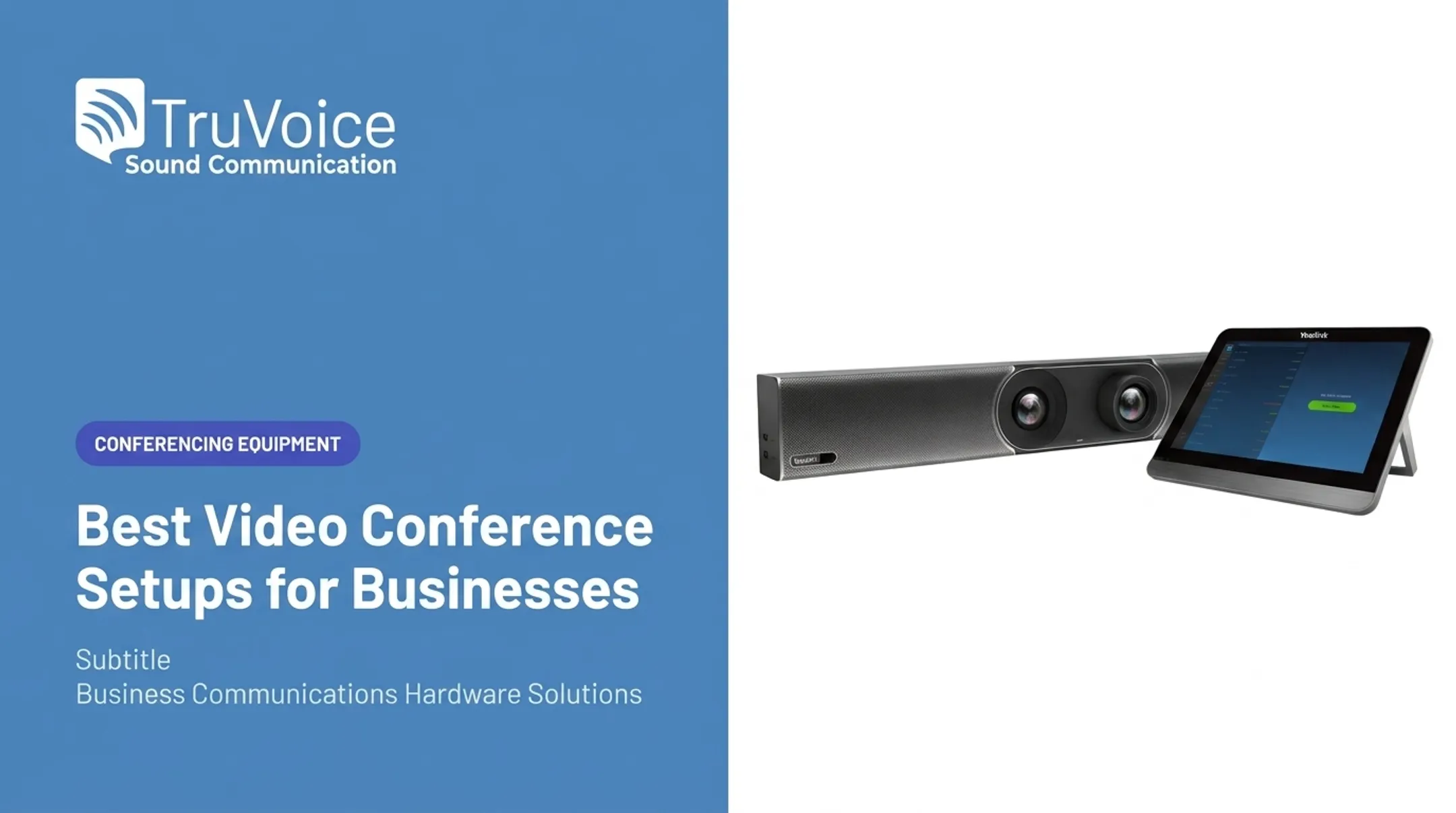
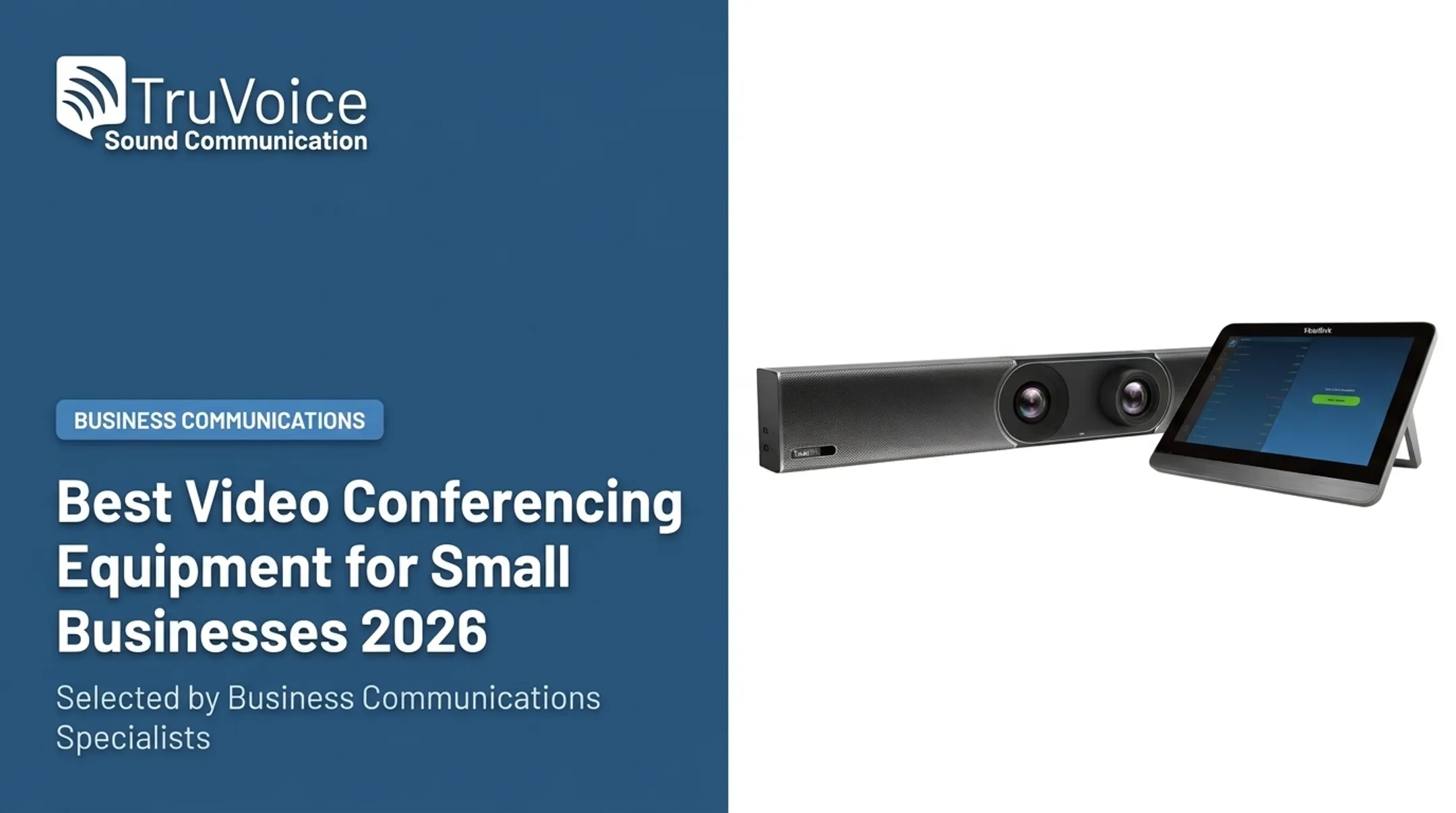
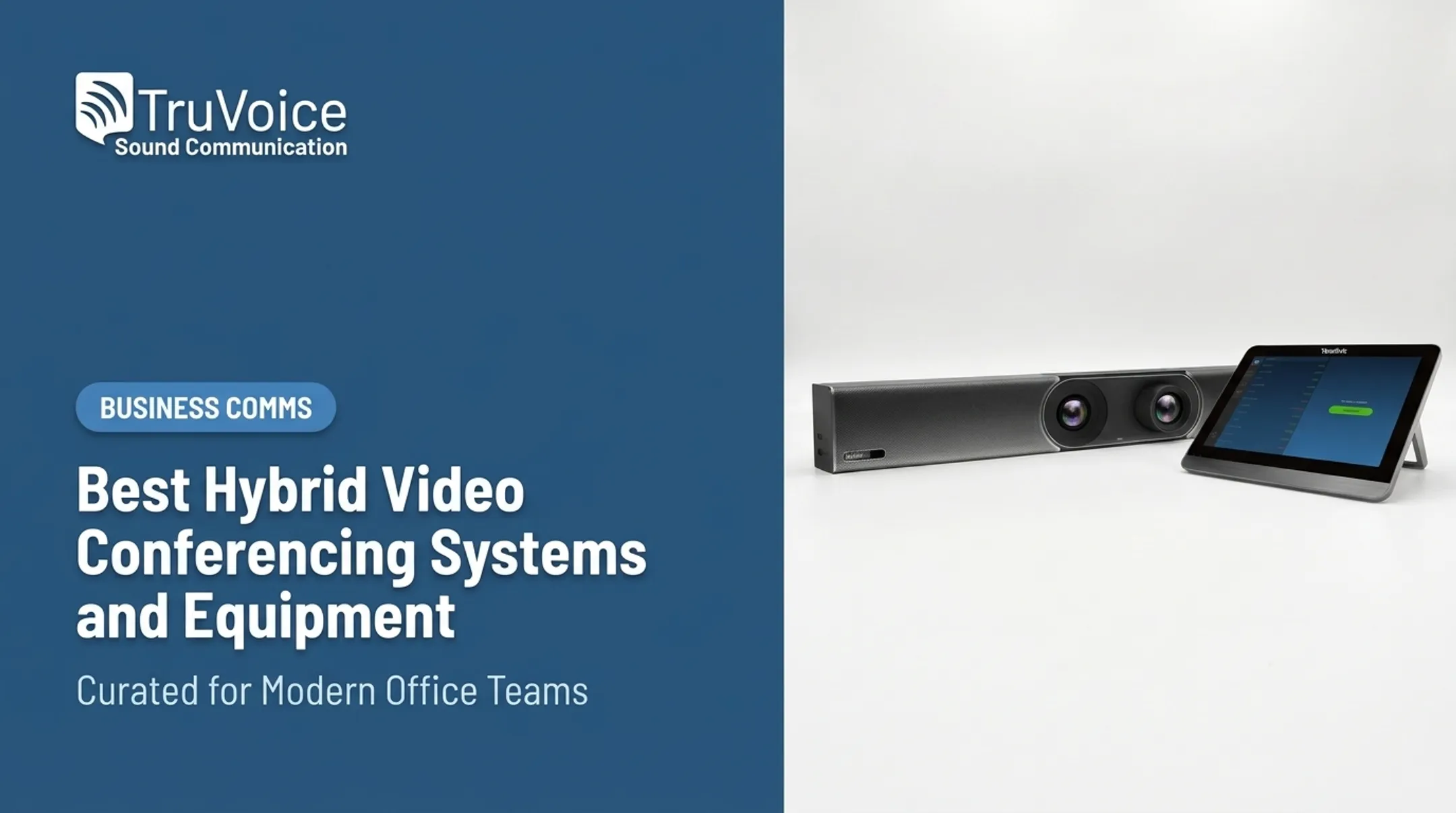
- Jabra PanaCast 50 — 180° panoramic 4K video bar, eight beamforming mics; Teams Rooms and Zoom Rooms certified
- TruVoice VoicePro 40 UC headset — USB-A/3.5mm with 330° noise-canceling mic; works with Teams, Avaya, Cisco, and Skype
- EPOS Expand 40T speakerphone — up to eight people, 18 hours of talk time
Prices across the conferencing and headset catalog run from roughly $22 to $3,899, depending on the product category.
Why small businesses pick TruVoice:
- Impartial guidance instead of a push toward one brand
- Bulk-order pricing for offices standardizing equipment across desks
- Lifetime product support and a 30-day money-back guarantee on website orders
One caveat: TruVoice is an equipment and support resource, not a standalone meeting platform. You'll still need to pick software like Zoom or Teams to pair with the hardware. Verify current guarantee terms and pricing directly before ordering.
Zoom
Best for: familiar external meetings and client calls
If your business regularly hosts client calls, sales demos, or webinars with people outside your organization, Zoom's brand recognition removes friction. Most external participants already know how to join a Zoom link without instructions.
As of Zoom's current published pricing, plans break down roughly as:
| Plan | Price | Participants | Meeting length | Recording |
|---|---|---|---|---|
| Workplace Basic | Free | 100 | 40 minutes | Local only |
| Workplace Pro | $14.16/user/month (annual) | 100 | 30 hours | Local + 10 GB cloud |
| Workplace Business | $18.33/user/month (annual) | 300 | 30 hours | Local + 10 GB cloud |

Host controls include waiting rooms with individual or bulk admission, domain-based bypass rules, and integrations with Google Calendar, Outlook, Slack, and Salesforce.
Watch for: the 40-minute cap on free group meetings catches a lot of small teams off guard mid-call. Confirm current participant limits and cloud storage allowances before committing to a paid tier, since Zoom updates these periodically.
Microsoft Teams
Best for: businesses already using Microsoft 365
If your team lives in Outlook, SharePoint, and Excel, adding Teams keeps meetings, chat, and file collaboration in one environment instead of bolting on a separate app.
Current plan tiers include:
- Teams Essentials — around $4/user/month, up to 300 participants, 30-hour meetings, recordings with transcripts and captions
- Microsoft 365 Business Basic — around $6/user/month, includes everything in Essentials plus Office web apps
- Microsoft 365 Business Standard — around $12.50/user/month, adds desktop Office apps
Meetings and events cap at 30 hours, and individual recordings max out around 4 hours or 1.5 GB. Breakout rooms are available with host-configurable time limits. Note that Microsoft 365 Copilot, the AI meeting assistant, costs extra (around $30/user/month) and isn't bundled into any of the tiers above.
Verify before buying: exact plan names shift occasionally, and advanced features like Copilot summaries require a separate add-on license.
Google Meet
Best for: businesses running on Google Workspace
Teams already scheduling through Google Calendar and storing files in Drive get a natural fit here. Meet opens directly in a browser, no desktop install required, and works well on mobile.
Free Google Accounts get up to 100 participants and 60-minute meetings. Paid Workspace tiers scale up:
- Business Starter — roughly $7/user/month, 100 participants, 24-hour meetings
- Business Standard — roughly $14/user/month, 150 participants, adds recording and noise cancellation
- Business Plus — roughly $22/user/month, 500 participants, adds attendance tracking
Standard and Plus tiers also include Gemini AI features like studio sound and generated backgrounds, though some generative tools require an additional Gemini add-on.
Double-check: which noise-cancellation and captioning features actually apply to your specific edition. Google's published feature matrix and pricing page don't always list identical details, so confirm before you commit a whole team to one tier.
Logitech Small-Room Video Conferencing Equipment
Best for: compact meeting rooms and huddle spaces
For small conference rooms where four to eight people need to participate without everyone hunching around a laptop, Logitech's room bars fill the gap between "just a webcam" and full enterprise AV.
- Rally Bar Mini — 4K bar with 120° view and six beamforming mics (pickup to 23 ft); Teams Rooms on Android and CollabOS
- Rally Bar Huddle — up to 6 people, six omnidirectional mics; appliance, room-PC, or laptop deploy
- MeetUp — fits ~6 people (8 with expansion mic), 4K/30fps; USB 3.0 for full resolution on Windows, macOS, and Chrome OS
Before buying: none of these list public pricing on Logitech's own pages, so get a quote through an authorized reseller. Also confirm whether your room needs a separate display, a dedicated PC, or a software subscription, since deployment mode changes what else you need to buy.
How We Chose the Best Video Conferencing Systems
We looked past brand recognition and evaluated the full experience: meeting reliability, audio clarity, video quality, setup effort, compatibility, security, support, and total cost.
Three scenarios shaped the comparison:
- Solo remote worker — needs a decent headset and webcam, plus whichever software their employer already licenses
- Small office with a shared room — needs a room camera/speakerphone combo plus per-user software seats
- Hybrid team — needs both individual headsets and room hardware that plays nicely with remote participants
Cost isn't just the monthly license. A Frost & Sullivan researcher told BizTech Magazine that SMBs can equip a meeting room with advanced, AI-powered hardware for under $2,000, but that figure covers hardware only.
Add software licenses, headsets for individual staff, accessories, and replacement cycles, and real total cost of ownership rises well past that hardware-only figure.
Common buying mistakes to avoid:
- Choosing a plan based only on the lowest advertised price, then discovering the free tier caps meetings at 40 minutes
- Skipping a live microphone test before buying room hardware for a larger space
- Ignoring recording and security policies until after a client asks about them
- Buying a camera or speakerphone that isn't certified for your chosen platform
A better buying process:
- List your must-have use cases (client calls? Internal huddles? Both?)
- Audit what hardware you already own
- Test shortlisted systems with real employees, not just IT staff
- Confirm support and return policies before a bulk order
- Check scalability if you plan to add rooms or staff later

Conclusion
The right video conferencing system depends on how your business actually meets. A solo remote consultant needs something very different from a five-person office juggling client calls and internal huddles.
Weigh the full picture before you commit:
- Hardware compatibility with your existing devices
- Security, ease of use, and support quality
- Scalability as your team grows
- Total cost once licenses and equipment are added together
If you're still sorting out which headsets, speakerphones, or room cameras pair with your chosen platform, TruVoice Telecom offers impartial product guidance and US-based technical support. That covers offices of any size, from a single remote employee to a multi-room order.
Frequently Asked Questions
What is the best video conference system for a small business?
It depends on your meeting size, existing software ecosystem, security needs, and budget. This guide's recommendations cover different use cases rather than naming one universal winner.
What are the top 5 video conferencing apps?
For small businesses, the most common platforms are Zoom, Microsoft Teams, Google Meet, Cisco Webex, and RingCentral. Many teams pair one of these with a webcam, speakerphone, or headset so desk and room audio stay clear.
What is the difference between video conferencing and teleconferencing?
Video conferencing includes live video and audio together. Teleconferencing traditionally means voice-only participation, though the term is sometimes used more broadly today for any remote meeting.
What equipment does a small business need for video conferencing?
At minimum: meeting software, a camera, a microphone or headset, speakers, a compatible computer or mobile device, and reliable internet. Larger rooms need dedicated room cameras and speakerphones to cover everyone clearly.
How much does a small business video conferencing system cost?
Plan for recurring software licenses (often per user each month) plus one-time hardware such as cameras, headsets, and displays. Desk setups cost far less than full conference room kits, so size the spend to your rooms and confirm current supplier pricing.
What should a small business check before buying video conferencing equipment?
Confirm platform compatibility, room size fit, microphone pickup range, camera field of view, connectivity type, warranty terms, return policy, and available technical support. Also check whether the setup can scale as your team grows.