
Introduction
A meeting that starts with someone fumbling to find the right camera or asking "can you hear me?" wastes more than time. It signals to clients and remote employees that your setup isn't ready for hybrid work.
Research from AVIXA points to a common problem: meeting participants often spend the first few minutes troubleshooting video connections or figuring out screen sharing before anyone gets down to business. That friction adds up across dozens of meetings a week.
The best video conferencing equipment isn't necessarily the camera with the highest megapixel count. Room size, microphone coverage, platform compatibility, and total deployment cost matter more than a spec sheet number.
This guide covers video bars, USB conference cameras, all-in-one meeting boards, headsets, and speakerphones built for US small businesses in 2026.
Key Takeaways
- Match gear to room size, audio/video capability, platform support, and deployment model—not brand or resolution alone
- Microphone pickup, echo cancellation, and camera framing matter as much as resolution
- Confirm whether a product is a USB peripheral, standalone appliance, or all-in-one board before comparing prices
- Budget for displays, controllers, licenses, mounts, cabling, and installation—not just the camera
- TruVoice Telecom helps small teams pair compatible headsets, speakerphones, and bulk A/V gear to the right setup
Overview of Video Conferencing Equipment in the US Small-Business Market
Video conferencing equipment covers everything that captures, processes, displays, and plays back a meeting: cameras, video bars, microphones, speakers, headsets, displays, controllers, and mounting accessories.
Hybrid meetings, remote hires, client calls, and recruiting all depend on gear that works reliably across Microsoft Teams, Zoom, Google Meet, and Webex—not just one platform.
There are three main deployment models to understand before you shop:
- USB peripherals — connect to a laptop or in-room PC and work with almost any meeting platform, but depend on that host device
- Standalone video bars — run meeting software natively, reducing reliance on a separate computer
- All-in-one meeting boards — combine display, camera, microphones, speakers, and compute into a single unit
No single model wins for every room. A five-person huddle space and a client-facing conference room need different setups. Match the gear to room size and how your team meets day to day—not to brand name alone.

Best Video Conferencing Equipment for Small Businesses in 2026
Every product below was evaluated on clear audio, useful camera coverage, platform compatibility, ease of installation, and total setup value—not just headline specs.
Logitech Rally Bar
The Rally Bar is an all-in-one video bar built for medium-to-large conference rooms. It captures 4K video with an 82.1-degree horizontal field of view and 15x HD zoom (5x optical, 3x digital). Logitech's RightSight and Grid View features handle automatic speaker framing and full-room detection.
Built-in microphones pick up voices up to 23 feet away, and an optional Rally Mic Pod extends coverage further using eight acoustic beams from four omnidirectional mics. It runs Teams Rooms on Android or Windows and is certified for Microsoft Teams, Zoom, and Google Meet.
Limitations: No display is included, and a controller like Logitech Tap adds to the cost. Pricing is quote-based rather than published, which means budgeting requires a sales conversation upfront.
| Feature | Detail |
|---|---|
| Deployment | Standalone video bar |
| Recommended room | Medium conference rooms |
| Mic range | Up to 23 ft (extendable with Mic Pod) |
| Platforms | Teams, Zoom, Google Meet |
| Display/controller | Sold separately |
| Best fit | Frequently used medium rooms needing mature device management |
Poly Studio X52
Poly's Studio X52 targets a similar-sized room—HP references a 20 x 15-foot space—with a 20MP 4K camera, 95-degree field of view, and 5x digital zoom. Group, speaker, and people framing modes adjust automatically as attendees move.
Microphone pickup reaches 20 feet, paired with stereo speakers rated at 20W RMS (40W max). It runs natively on Zoom, Teams, and Google Meet, or connects via USB for BYOD meetings—useful if your team hasn't settled on one platform.
Trade-off: The camera zoom is digital only (no optical zoom), so image quality softens at the edges when zoomed in fully. Poly Lens handles remote management. The most recent official launch price was $4,300 in 2023—treat that as a dated reference point rather than a current quote.
| Feature | Detail |
|---|---|
| Deployment | Standalone bar or USB/BYOD |
| Room fit | ~20 ft x 15 ft rooms |
| Mic range | Up to 20 ft |
| Platforms | Zoom, Teams, Google Meet, H.323/SIP |
| Strongest use case | Rooms needing native + BYOD flexibility |
Jabra PanaCast 50
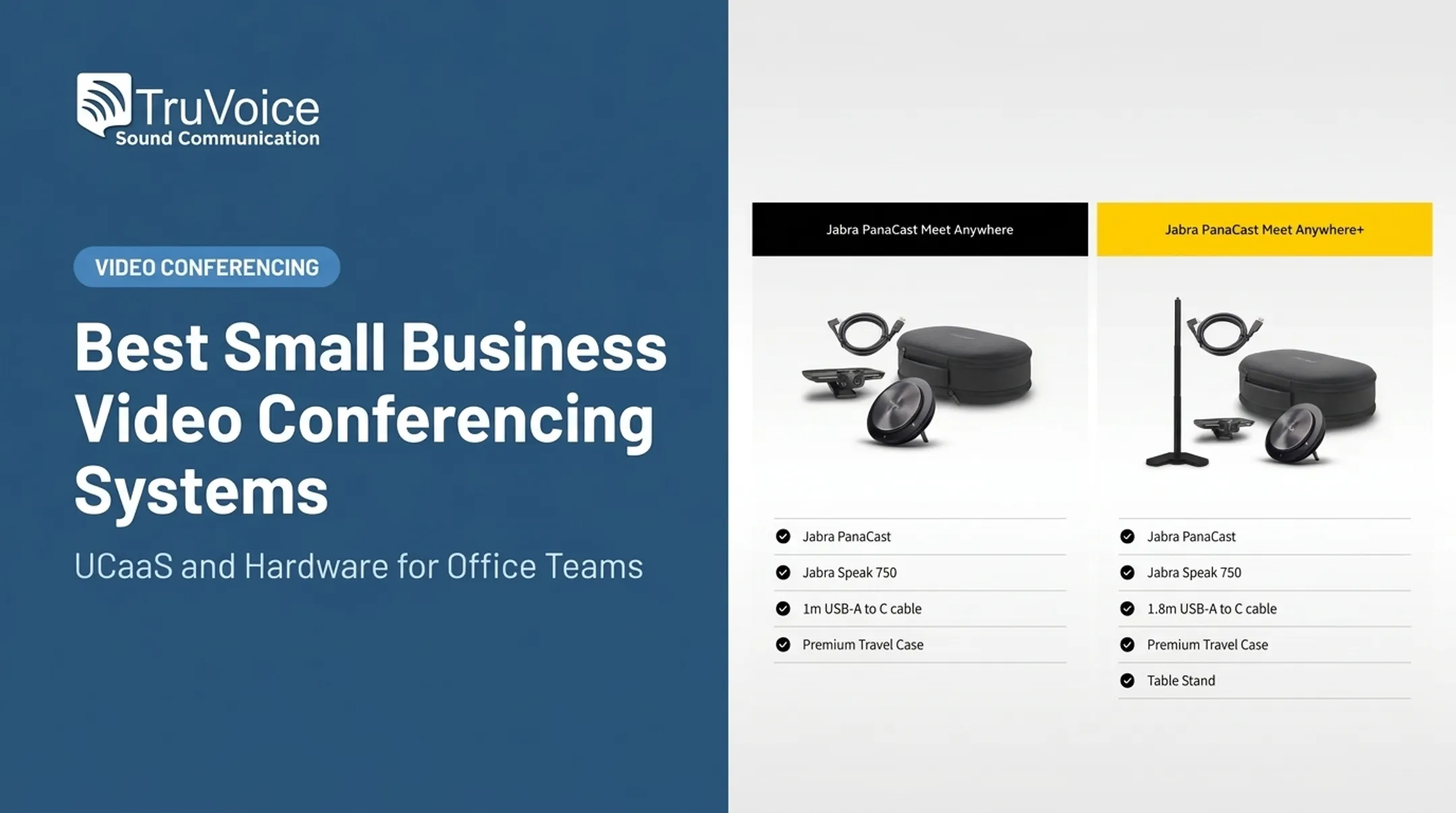
The PanaCast 50 uses three 13-megapixel cameras with real-time AI stitching to produce a genuine 180-degree panoramic view—useful for oddly shaped rooms or wide tables where a single lens leaves people out of frame. Jabra rates it for rooms up to 15 x 20 feet.
TruVoice carries the standard USB collaboration model at $1,250 (down from $1,447 list), which plugs directly into a Windows or Mac computer—no room computer required. Eight beamforming microphones handle full-duplex audio, and Virtual Director automatically focuses on whoever is speaking.
A separate Video Bar System bundle adds an Android compute unit and touchscreen controller for standalone Teams Rooms or Zoom Rooms operation—useful if you'd rather not tie the room to a laptop.
Watch for: the base USB unit is host-device dependent, and the table stand plus VESA screen mount are optional extras beyond the included wall mount.
| Feature | Detail |
|---|---|
| Configuration | USB peripheral or standalone VBS bundle |
| Camera coverage | 180° panoramic, 3x 13MP |
| Mic range | 8-mic beamforming array |
| Platforms | Teams, Teams Rooms, Zoom, Zoom Rooms |
| Best fit | Small rooms, unusual layouts, whiteboard-heavy meetings |
Yealink MeetingBoard Pro
This is the all-in-one option: a 4K multi-touch display (65, 75, or 86 inches) with a built-in triple-camera system, 12x Pro PTZ zoom, and a 16-microphone array covering up to 39 feet. It runs native Teams, Zoom, or a General Mode for other platforms.
The whiteboard side is genuinely useful for collaborative teams—real-time inking, palm rejection, and native Microsoft/Zoom whiteboard integration mean you skip the separate whiteboard purchase entirely.
Trade-off: buying a display, camera, mic array, and compute unit as one bundle means a higher upfront cost, and if the display fails, you're replacing the whole system rather than swapping a camera. Mounting requires either a wall bracket or a floor stand, both sold by size.
| Feature | Detail |
|---|---|
| Display | 65"–86", 4K multi-touch |
| Mic coverage | 16-mic array, up to 39 ft |
| Platforms | Teams, Zoom, General Mode |
| Installation | Wall mount or floor stand |
| Best fit | New rooms wanting one integrated purchase |
Logitech MeetUp 2
Built for huddle rooms and small conference rooms, the MeetUp 2 offers a 120-degree diagonal field of view, 4K capture, and 4x digital zoom. Six MEMS microphones form five adaptive acoustic beams reaching 23 feet, with a single 55mm full-range speaker.
It works in USB mode with an in-room PC or in BYOD mode with a laptop—flexible for businesses that prefer laptop-led meetings over a dedicated appliance. Teams, Zoom, and Google Meet are all supported.
What you'll still need: a display, a host computer if not using BYOD, and confirmation that your room's Wi-Fi or Ethernet can support remote management features.
| Feature | Detail |
|---|---|
| Recommended room | Huddle rooms, small conference rooms |
| Camera coverage | 120° diagonal FOV, 4K |
| Mic range | Up to 23 ft |
| Host requirement | USB PC or BYOD laptop |
| Best fit | Laptop-led meetings, small teams |

Don't Forget Headsets and Speakerphones
A room system alone doesn't cover one-on-one calls, remote employees, or training sessions. These options fill the gaps:
- Boom Giro speakerphone ($80) for small huddle spaces without full video
- Yealink CP700 ($93.60) for compact USB conference audio
- TruVoice VoicePro 40 UC headset ($44.10) for individual desks and remote agents
TruVoice Telecom can help match headsets and speakerphones to whatever room system you choose.
How We Chose the Best Video Conferencing Equipment
We compared complete, supportable meeting setups—not isolated hardware specs. Don't choose gear based on megapixels, advertised participant count, or the lowest sticker price alone.
We scored each setup on four practical filters: room fit, platform compatibility, meeting equity, and total cost to run.
Room Size, Layout, and Acoustics
Camera field of view and microphone range need to match your actual room, not a generic "conference room" assumption.
- Home office / single desk: Webcam or compact speakerphone is usually enough
- Huddle room (2–4 people): MeetUp 2 or Boom UNO-class devices
- Small conference room (4–8 people): PanaCast 50 or Studio X52 for typical dimensions
- Medium room (8–12+ people): Rally Bar or MeetingBoard Pro for longer tables
Glass walls, open-plan noise, and whiteboard placement change real-world performance. Specs alone will not tell you how a room sounds.
Platform and Workflow Compatibility
"Certified for" Teams, Zoom, or Google Meet is not the same as generic USB compatibility. Certified devices pass formal audio, video, and security testing from Microsoft, Zoom, or Google. A USB-only device may join a call but miss one-touch join and admin management.
Before buying, confirm:
- Which platform your team uses most (or whether you need multi-platform flexibility)
- Whether the device needs a room license or resource account
- Whether switching platforms means switching device modes entirely
Audio, Video, and Meeting Equity
Clear audio matters more than maximum resolution for keeping remote participants included. Independent reviews back this up: TechRadar Pro called the Studio X52's speaker tracking "impressively fast," while CE Pro described the PanaCast 50's microphones as "astoundingly sensitive" in hands-on testing. Treat vendor specs as a baseline, then validate performance in your own room.
Deployment, Management, and Total Cost
Hardware price is only part of the bill. Microsoft Teams Rooms Pro licensing runs $40 per room, per month, billed yearly—a recurring cost easy to miss when comparing device prices alone. Displays add further cost: AVIXA recommends a 65-inch-or-larger LED display for small conference rooms to balance quality and price.

Before purchasing, run through this checklist:
- Measure the room and count typical attendees
- Identify your primary meeting platform
- Decide between BYOD and native room operation
- Test acoustics with an actual call, not just a demo video
- Confirm network bandwidth can handle 4K video
- Price the complete setup: hardware, display, license, cabling, installation
Conclusion
The best video conferencing equipment for a small business depends on room size, meeting platform, audio needs, deployment model, and total cost of ownership.
Before you buy, lock in these checks:
- Compare complete systems, not standalone devices
- Test microphone and camera performance in your actual room
- Budget for licenses, mounts, cabling, and ongoing support
TruVoice Telecom provides impartial guidance on headsets, speakerphones, webcams, and video conferencing gear, with bulk pricing and US-based technical support for offices and distributed teams.
Contact TruVoice at +1-888-448-5556 to match equipment to what your meeting rooms actually need.
Frequently Asked Questions
What are some good devices for video conferencing?
USB conference cameras, standalone video bars, all-in-one meeting boards, headsets, and speakerphones are the main categories. The right choice depends on your room size, meeting platform, and whether a host computer is available.
What equipment do I need for a small business video conference room?
You'll need a camera or video bar, microphones and speakers, a display, either a computer or standalone room appliance, reliable network connectivity, meeting software, and mounting or cabling accessories.
What is the best video conferencing equipment for a small conference room?
Compare a compact USB video bar, an entry-level standalone bar, and an all-in-one system based on your room's dimensions. Match microphone coverage and camera field of view to your actual table size and layout.
Should a small business buy a video bar or a USB conference camera?
Video bars work best for dedicated native room systems that don't rely on a laptop. USB cameras tend to be more flexible and affordable for laptop-led, BYOD-style meetings.
Can the same video conferencing equipment work with Teams, Zoom, and Google Meet?
Some devices are multi-platform certified, while others run in one native mode or rely on generic USB compatibility. Always verify current firmware support and licensing requirements before buying.
How much should a small business budget for video conferencing equipment?
Total cost varies with room size and deployment model. Budget for the camera or bar, display, controller, platform license, cabling, mounting, installation, warranty, and ongoing support—not just the device price.