
For contact centers, corporate offices, and hybrid teams, the right headset means fewer callbacks from dropped audio, less background noise bleeding into calls, and one standardized setup across dozens of desks instead of a mismatched pile of consumer earbuds.
This guide focuses specifically on headsets built for desk phones, not the Bluetooth-only or USB-only models designed primarily for laptops. We evaluated each option on IP phone compatibility, wireless base connectivity, EHS or handset-lifter requirements, microphone performance, comfort, battery life, support, and overall value.
Key Takeaways
- True wireless IP headsets use a base station wired to the desk phone—not Bluetooth or USB-only computer models.
- Match your IP phone model to the right EHS cable, handset lifter, or adapter for remote answering.
- Contact centers need durability and deployment support; hybrid workers need desk-phone plus computer connectivity.
- Compare TruVoice Telecom’s Agent series for value and multi-brand fit alongside Jabra, Poly, Yealink, and EPOS.
Overview of Wireless IP Phone Headsets in the US Business Market
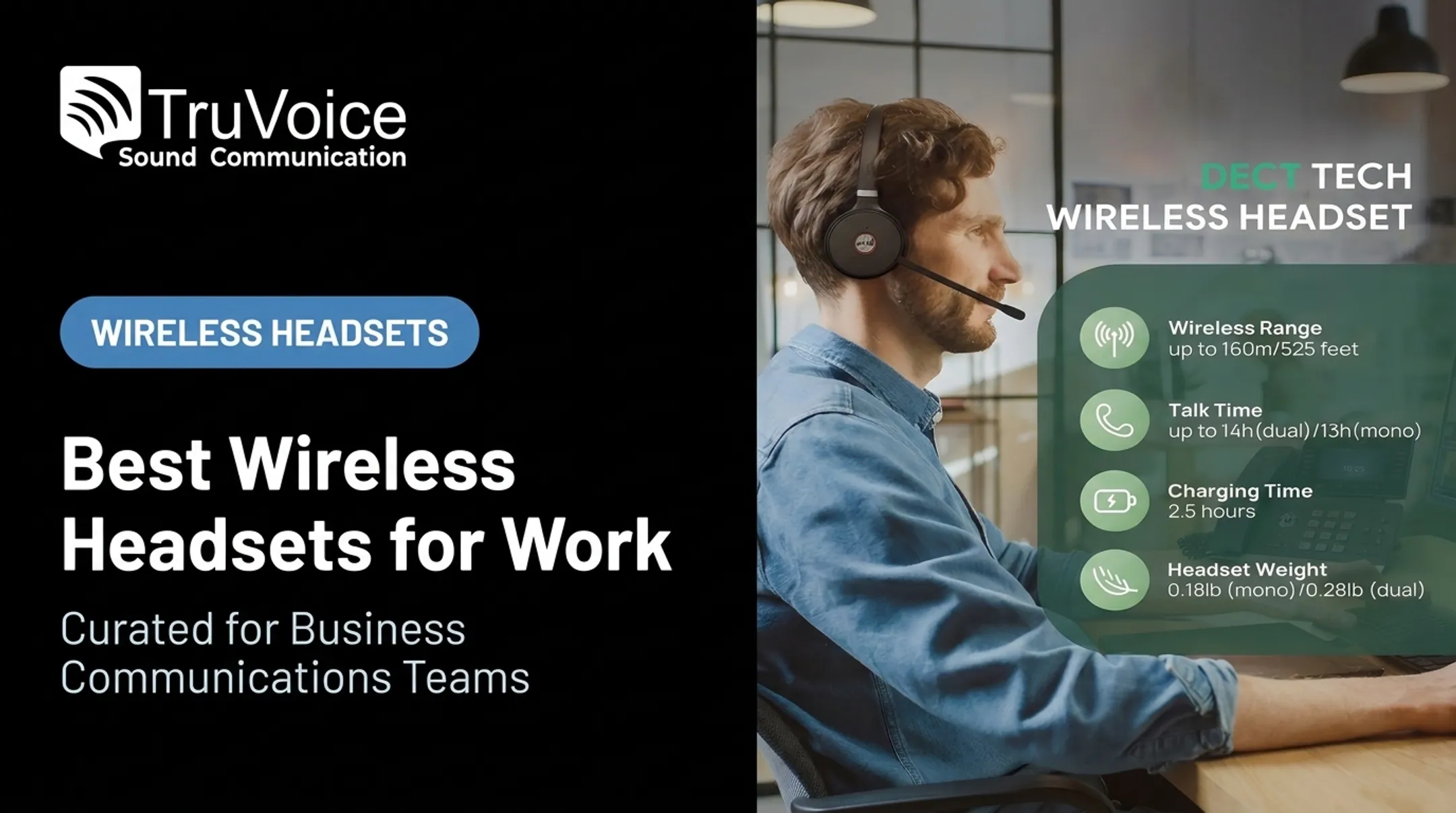
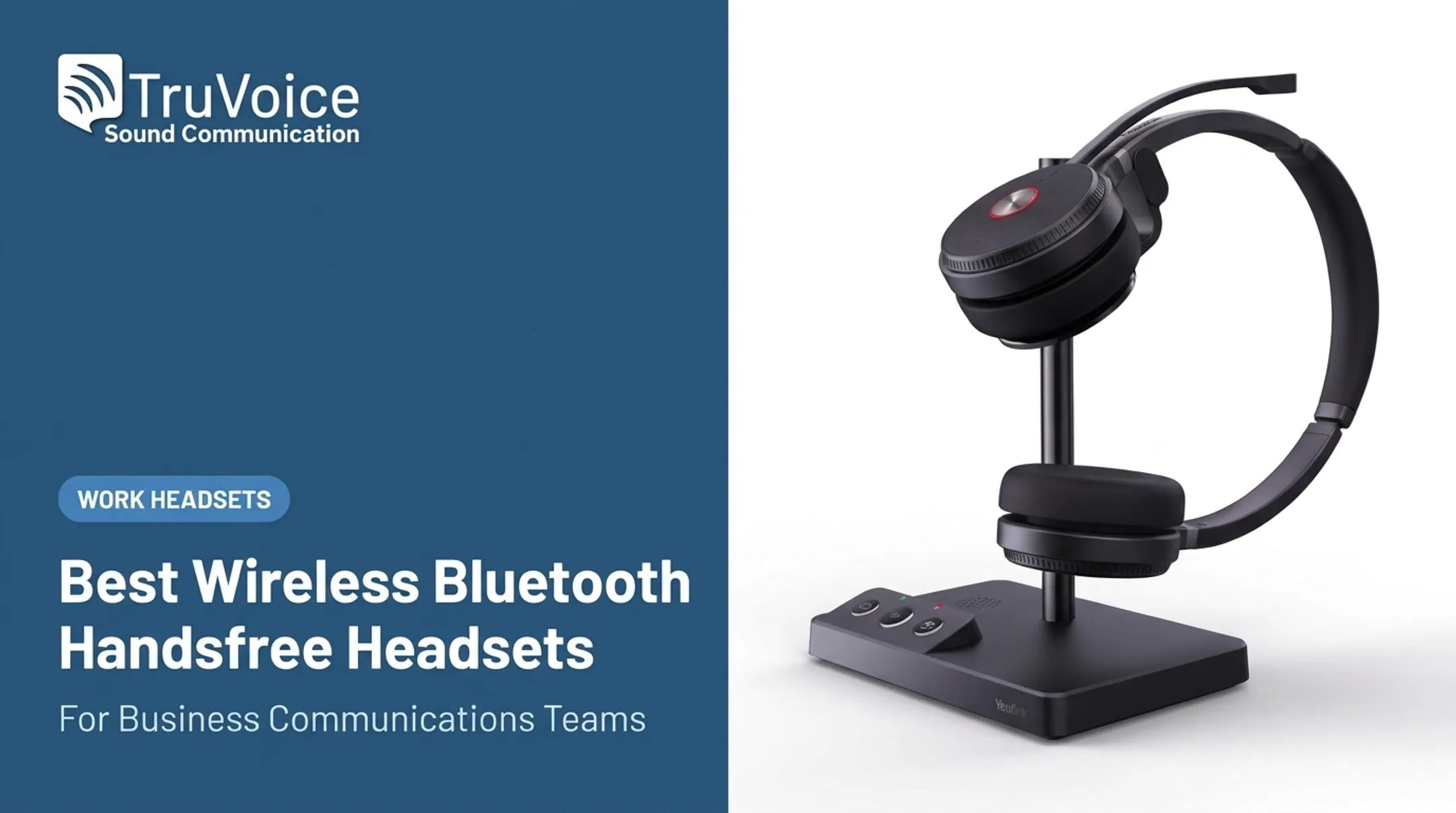
A wireless IP phone headset connects to a desk phone through a wireless base station, usually sitting on the desk next to the phone. The headset talks to that base over radio frequency, letting you walk 100, 300, even 500 feet away and still hear the call. This is different from a Bluetooth headset paired directly to a laptop or a USB headset that only works when plugged into a computer.
DECT, Bluetooth, and USB: What's the Difference?
- DECT uses dedicated wireless spectrum and a base station, built for range and security. It's the standard connection type for desk-phone headsets.
- Bluetooth is a direct device-to-device connection with roughly a 30-foot range, better suited to mobile phones and some computer setups.
- USB typically connects a headset to a computer or softphone rather than a desk phone directly.
According to Jabra's DECT vs. Bluetooth comparison, DECT is built around a base-station relationship, while Bluetooth is a more limited point-to-point link.
Why Compatibility Isn't Just About Matching Brands
Buying "a Jabra headset for a Jabra phone" doesn't guarantee it'll work the way you expect. You need to check:
- An RJ9 headset port on the phone, or a separate adapter if it doesn't have one
- An EHS cable or mechanical handset lifter for remote call answering
- Base-station support for your specific phone model and firmware, not just the brand
Remote and hybrid work raised the stakes on that checklist. The US Bureau of Labor Statistics reported that 35.5 million people teleworked or worked from home for pay in Q1 2024—22.9% of everyone employed, up from 19.6% a year earlier.

Those hybrid setups are why desk-phone and computer compatibility is now a buying requirement, not a nice-to-have. Here's how the leading options compare.
Top Wireless IP Phone Headsets for Business Use
Each pick below was assessed against the same criteria:
- IP phone compatibility and wireless technology
- Desk-phone and computer connectivity
- Microphone performance and noise control
- Comfort, battery life, and charging
- Manageability and total value
Always confirm compatibility against your exact phone model before ordering.
TruVoice Agent Wireless Series
TruVoice Telecom's Agent range, including the AW50, AW60, and AW70, is built around DECT connectivity for desk phones, with dual or triple connectivity options depending on the model. The AW60 pairs a desk phone with a computer or softphone from one base, while the AW70 adds a third connection for a mobile device.

These headsets connect to any desk phone with a headset port, including Polycom, Cisco, Avaya, Mitel, ShoreTel, Yealink, Grandstream, ESI, Digium, Nortel, and Toshiba models. For phones needing remote answer/end control, TruVoice's Agent 628 and 629 EHS adapters cover specific Avaya and Polycom/Poly models.
| Factor | Details |
|---|---|
| Best for | Offices and call centers wanting broad phone-brand compatibility without premium-brand pricing |
| Compatibility | RJ9 headset port, DECT base; AW60 (desk phone + PC), AW70 (desk phone + PC + mobile); EHS adapters available for Avaya and Polycom/Poly phones |
| Key considerations | Up to 500 ft range and 9 hours talk time; AW50 at $175.50 (from $289.00) with a 2-year warranty; 30-day money-back guarantee, lifetime support, and bulk discounts |
Jabra Engage Wireless Series
The Engage 65 SE connects a desk phone through RJ-9 and a computer through USB-C, running both from a single base. The Engage 75 SE goes further, supporting up to five simultaneous devices: a desk phone, a softphone, an analog phone, and two Bluetooth connections.
Both models use an advanced noise-canceling microphone and include hearing-protection features like PeakStop and SafeTone. Remote answer/end for the desk-phone connection requires a Jabra GN1000 handset lifter or an EHS cord, sold separately.
| Factor | Details |
|---|---|
| Best for | Contact centers and offices needing certified Teams or Zoom compatibility with strong microphone performance |
| Compatibility | RJ-9 desk-phone connection, USB-C for PC; GN1000 lifter or EHS cable required for remote call control; Engage 75 SE adds two Bluetooth device slots |
| Key considerations | Up to 13 hours talk time and ~490 ft range; DECT Security Level C with 256-bit AES; 1–2 year warranty by model; confirm current US pricing before ordering |
Poly Savi Wireless Series
The Savi 7400 and 7300 series support three-way connectivity for a desk phone, a PC or Mac, and a mobile device, all switchable from the base. Poly Lens software adds fleet management for larger deployments, including configuration and firmware updates across many headsets at once.
Remote answering on the desk-phone side needs an HL10 handset lifter or an EHS module, purchased separately from the headset itself.
| Factor | Details |
|---|---|
| Best for | Multi-device offices that need desk phone, PC, and mobile connectivity plus centralized fleet management |
| Compatibility | RJ9 desk-phone port, USB-A/USB-C for PC or Mac, Bluetooth for mobile; HL10 lifter or EHS module required for remote answer; Microsoft Teams Open Office certified |
| Key considerations | Up to 13 hours talk time and 590 ft range; DECT Security Step C; up to 120 headsets per office; confirm pricing and warranty with your reseller |
Yealink Wireless IP Phone Headset
The WH62 and WH63 are built to connect directly to Yealink desk phones over USB, with no EHS adapter needed in most cases. That changes for Yealink's T3 series phones, which need an EHS35 adapter, and for other brands entirely.
If you're mixing in Cisco, Poly, or Avaya phones, you'll need an EHS60 adapter; Mitel and Unify phones use an EHS61 instead. Yealink also lists support for 100+ UC platforms.
| Factor | Details |
|---|---|
| Best for | Organizations standardized on Yealink desk phones wanting native connectivity without extra adapters |
| Compatibility | Direct USB connection to most Yealink phones; EHS35 needed for T3 series; EHS60 for Cisco/Poly/Avaya, EHS61 for Mitel/Unify; supports 100+ UC platforms |
| Key considerations | WH62: up to 13–14 hours talk time, 525 ft range; WH63: up to 8 hours, 394 ft range; confirm your model on Yealink’s compatibility portal (manufacturer pricing not published) |
EPOS Wireless Business Headset
EPOS's IMPACT SDW 5066 combines DECT and Bluetooth in one base, covering desk phone, PC/softphone, and mobile connections. The IMPACT SD Pro 2 ML sticks to a DECT-only desk-phone-and-PC setup with an ultra-noise-canceling microphone.
Both are built around EPOS's own-voice detection and super-wideband audio, which the company positions as a step up in call clarity for demanding office environments.
| Factor | Details |
|---|---|
| Best for | Businesses prioritizing premium audio quality across mixed desk-phone, PC, and mobile setups |
| Compatibility | DECT plus Bluetooth base (SDW 5066) or DECT-only base (SD Pro 2 ML) for desk phone, PC/softphone, and mobile; confirm EHS or lifter needs for your phone model |
| Key considerations | SDW 5066: $485 MSRP, up to 14 hours talk time, 591 ft range; SD Pro 2 ML: $409 MSRP, up to 12 hours, 590 ft range; verify warranty terms before purchase |
How We Chose the Best Wireless IP Phone Headsets
Compatibility comes first, before brand recognition ever enters the picture. Start by writing down the exact make and model of your desk phone, then check its headset port and whether remote answering needs an EHS cable or a mechanical lifter.
An Electronic Hook Switch (EHS) is the cable that connects a wireless headset base to the desk phone so you can answer and end calls remotely. Skip this check and you'll get a headset that plays audio fine but can't answer a ringing call without walking back to the phone.
Matching Wireless Technology to Use Case
- DECT or business wireless bases: Best for desk-phone environments. Look at workplace range, interference handling, and documented security (DECT Security Level C or Step C with AES encryption is a good baseline).
- Bluetooth and USB: Fine for computer and mobile use, but check whether the same headset can also reach the desk phone, and whether switching between devices is automatic or manual.
Call Quality and Comfort
Long shifts expose weak headsets fast. Prioritize:
- Noise-canceling microphones with speech intelligibility features
- Mono versus stereo wearing styles, depending on whether ambient office awareness matters
- Adjustable headbands, ear cushion comfort, and hearing-protection features like PeakStop or Acoustic Fence
Operational and Financial Fit
Beyond the hardware, factor in:
- Battery and charging: Talk time and standby time aren't the same number.
- Replacement parts: Batteries, ear cushions, and cables wear out.
- Fleet management tools: Useful once you're past a handful of units.
- Warranty, support, and returns: A 2-year warranty beats a 1-year one when replacing 50 headsets at once.
- Bulk pricing: Most suppliers, TruVoice included, offer better rates at volume.
Common Buying Mistakes
- Buying a computer-only Bluetooth headset expecting it to work with a desk phone
- Skipping the phone-model compatibility check and assuming "same brand" is enough
- Forgetting the EHS cable or handset lifter entirely
- Confusing advertised standby time with actual talk time
- Choosing consumer headphones without proper call controls or a business warranty

Conclusion
The best wireless IP phone headset is the one that matches your desk phone, communications platform, work environment, and budget.
Before you order, confirm:
- Your exact phone model and its headset port type
- Whether you need an EHS cable or handset lifter for remote answering
- Whether you also need simultaneous computer or mobile connectivity
- Support terms and replacement-part availability
TruVoice Telecom offers impartial guidance on all of this, plus US-based technical support, lifetime product support, and a 30-day money-back guarantee on website orders.
Whether you're outfitting one desk or fifty, call +1-888-448-5556 or email sales@truvoicetelecom.com for compatibility help and current bulk-order pricing.
Frequently Asked Questions
What is a VoIP headset?
A VoIP headset is an audio device used for calls carried over an internet-based phone system rather than a traditional landline. It can connect to a desk phone, computer, or mobile device, depending on the model.
What is the best headset for a VoIP phone?
Match the headset to your IP phone’s connection type (DECT, Bluetooth, or USB), the range you need, and whether you also run a softphone. Then verify the model on the manufacturer’s compatibility list.
What is a good headset that can connect to both my phone and my PC?
Look for a wireless base with dual connectivity, such as the TruVoice Agent AW60, Jabra Engage 65 SE, or Poly Savi 7300 series. Confirm whether the switching between desk phone and PC is simultaneous or manual.
What is the best wireless headset for a landline office phone?
Most landline desk phones need a compatible wireless base plus an EHS cable or handset lifter so you can answer and end calls remotely. Confirm your exact phone model on the headset maker’s compatibility list.
What is the best headset that connects to a landline phone?
A corded headset plugs into the phone’s headset port for simple fixed-desk use. A wireless model adds a base station when you need mobility around the desk or office floor.